




Acoustica Mixcraft 10.6 Recording Studio
Easy, full-featured Windows DAW: unlimited audio and MIDI tracks, 16 virtual instruments and 36 effects, vocoder tracks, video editing and over 7,500 loops, sound effects and samples.
SKU 1017-24
- Authorized dealer
- Official manufacturer licenses
- Secure checkout
- Type
- DAW Software
- Platform
- Windows 64-bit
- Instruments/Effects
- 16 / 36
- Loops
- 7,500+
- Video Editing
- Yes
Need help? Contact us.

Click the image to zoom in. Move to look around.
Videos
See it in action
Overview
About Mixcraft 10.6 Recording Studio
In Tune With You
Mixcraft is Acoustica's highly acclaimed digital audio workstation (DAW) software for Windows. Since its initial release in 2004, it has been a go-to choice for both professionals and beginners. Mixcraft is available in several editions, including Recording Studio and Pro Studio, which offers additional powerful tools, instruments, and effects.
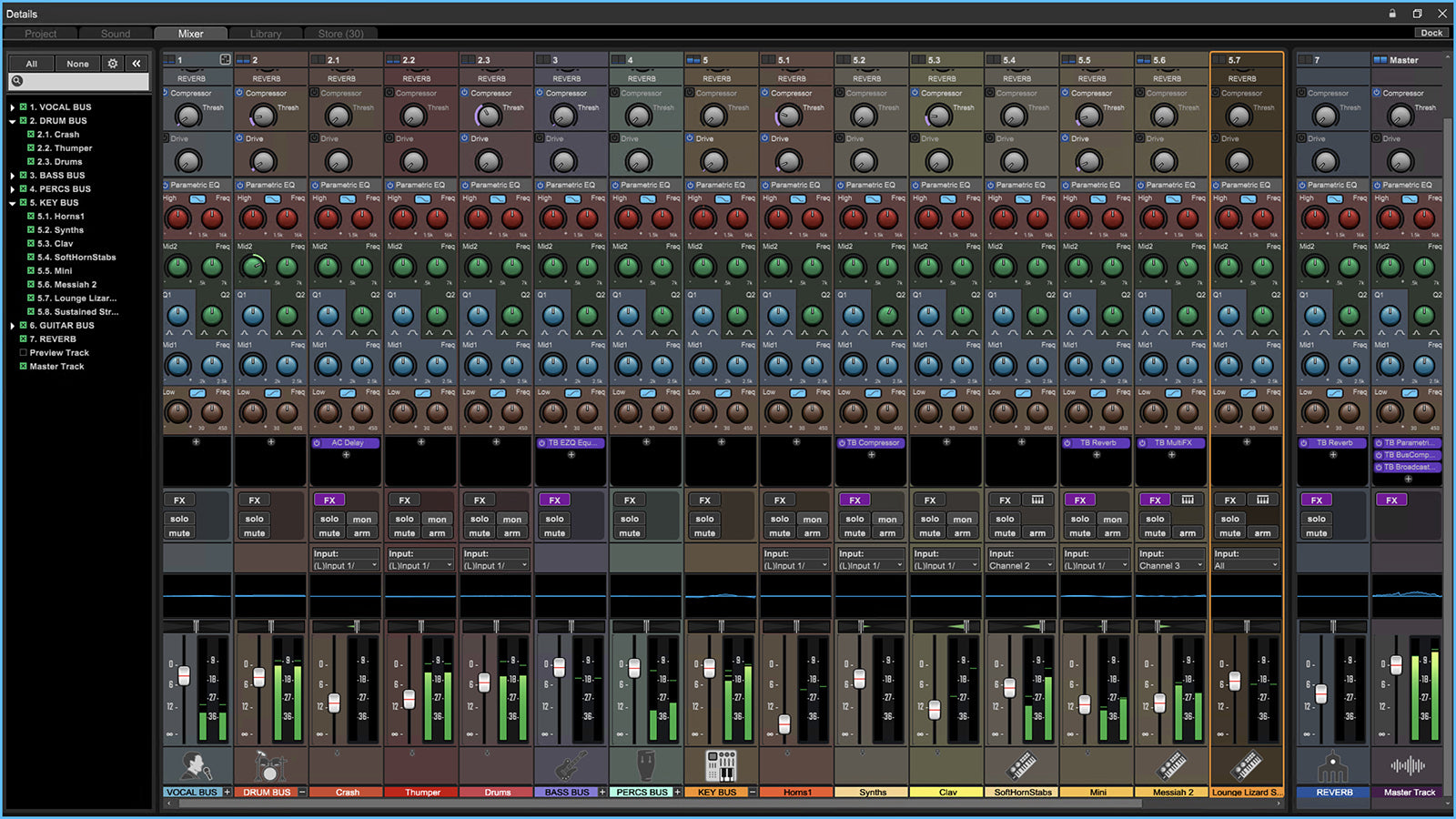
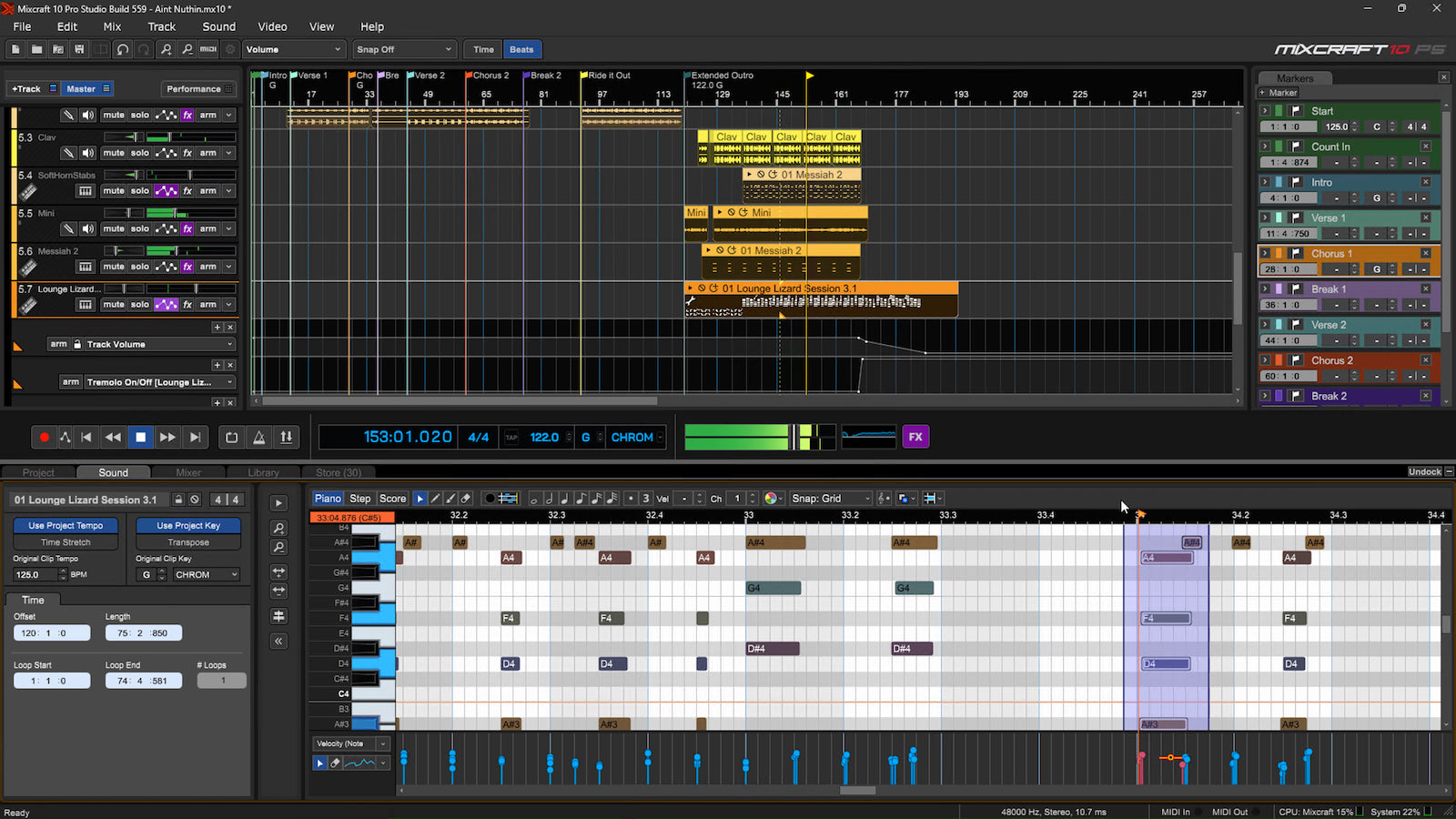
The introduction of Mixcraft 10 in 2023 transformed the software with a more intuitive, scalable, and colorful interface, context-sensitive pop-up menus, and flexible drag-and-drop automation controls. The updated Start Panel provides quick access to saved projects, templates, and the latest Mixcraft news. The robust new plugin architecture is incredibly stable and gives users better ways to manage their plugins through a redesigned plugin manager. Users can assign custom hotkeys and project settings, and a more comprehensive range of control surfaces is now supported. And Mixcraft's video editing capabilities make it a comprehensive multimedia powerhouse under one roof.
Every improvement and new feature in Mixcraft has been centered on inspiration, ease of use, and stability. With the 10.5 and 10.6 updates, Mixcraft has introduced even more enhancements to allow musicians to achieve their music goals faster and with professional-level quality.
New in Mixcraft 10.5 and 10.6
Mixcraft 10.6 includes preset Project Templates, which offer task-specific presets for podcasting setups, mastering, video editing, and more. MIDI controller support has been expanded, and the new Quick Access panel enables users to quickly add, remove, and reorder instruments and effects on virtual tracks. Behind the interface improvements is a solid backbone of further enhanced stability and plugin support. It also includes a new Auto-save function with user-selectable intervals. These features and improvements are standard in both Mixcraft 10.6 Recording Studio and the feature-rich Mixcraft 10.6 Pro Studio.
The 10.6 update adds:
- Controllers can now be saved with presets and chains
- New controller scripts for Novation Launch Control XL, Launchkey 49 MK4 and Behringer X-Touch, plus new utility functions in the Add Controllers menu
- Option to skip the plugin scan
- Improved handling and previous-version compatibility for effect chains
Mixcraft 10.6 Pro Studio adds AI-powered Stem Separation, Track Regions, advanced MIDI and audio routing, Celemony Melodyne 5 Essential, audio-to-MIDI conversion and extra instruments and effects including Cherry Audio's DCO-106, Stardust 201 and Galactic Reverb.
Features
- Updated User-Friendly Interface: more intuitive, customizable, and scalable
- Unlimited Audio and MIDI Tracks
- Over 7,500 loops, sound effects, and samples
- 16 Virtual Instruments and 36 Effects
- Vocoder Tracks
- Curved, Tempo, and Pitch Envelopes
- Per-Track Parametric EQ & Oscilloscope
- Live Performance Panel
- Updated Piano Roll, Step Editor, and Music Notation panels
- Video Editing
- Integrated Mixcraft Store - additional virtual instruments, effects, loops, presets, drum kits, and more, with new content added regularly
- Improved Plug-In Architecture and Management - Better Search and Organization with an Optional Safe Mode
- Updated Project Start Window with Live Links to News, Videos, and Updates
- Master Tempo Envelope
- Curved Automation
- Gain, Drive, Parametric EQ, Compressor, Oscilloscope, and Spectrum Analyzer Mixer Panels
- Tempo-Synced LFOs For Plug-In Automation
- Rewire Hosting
- New Controller Scripts API for broader support of MIDI control surfaces and devices
- Custom Hot Key Assignments
- Drag-and-Drop Automation
- Supported by the free Mixcraft Remote app for iOS and Android
- Comprehensive online User Manual with downloadable PDF (English only)
Mixcraft 10.6 Recording Studio Tech Specs
Windows
- Operating system
- 64-bit Windows 7 SP1, 8, 10 or 11 (64-bit Windows 10 or above recommended)
- CPU
- 1.8 GHz Dual Core minimum (3.0 GHz Quad Core or higher recommended)
- RAM
- 4 GB minimum (8 GB or higher recommended)
- Audio
- sound card, USB or FireWire device (ASIO audio interface recommended)
Requirements
- Internet
- required for updates and the Mixcraft Store
- Platform
- Windows only
Keep exploring
You may also like
Recently viewed
Questions before you buy?
We can help with compatibility, licensing and delivery.